When I first started looking at project management software for video production, I quickly realized something: not every production is the same.
Choosing the best project management software for your video or film production really depends on the type of work you’re doing. The needs of a feature film differ greatly from those of a small commercial production, corporate video company, or independent filmmaker.
Then you have a two- or five-person video company. You might be shooting a corporate video on Monday, a music video on Saturday, and a commercial the following week. You’re dealing with the client, creating the budget, booking the crew, sending contracts, organizing documents, managing the shoot, sending invoices, collecting payments, and still trying actually to make the video. That’s something I think gets overlooked when people compare video production management software. The best production management software isn’t necessarily the platform with the longest feature list. It depends on the size of your team, the type of productions you work on, and how much of the business you need the software to handle.
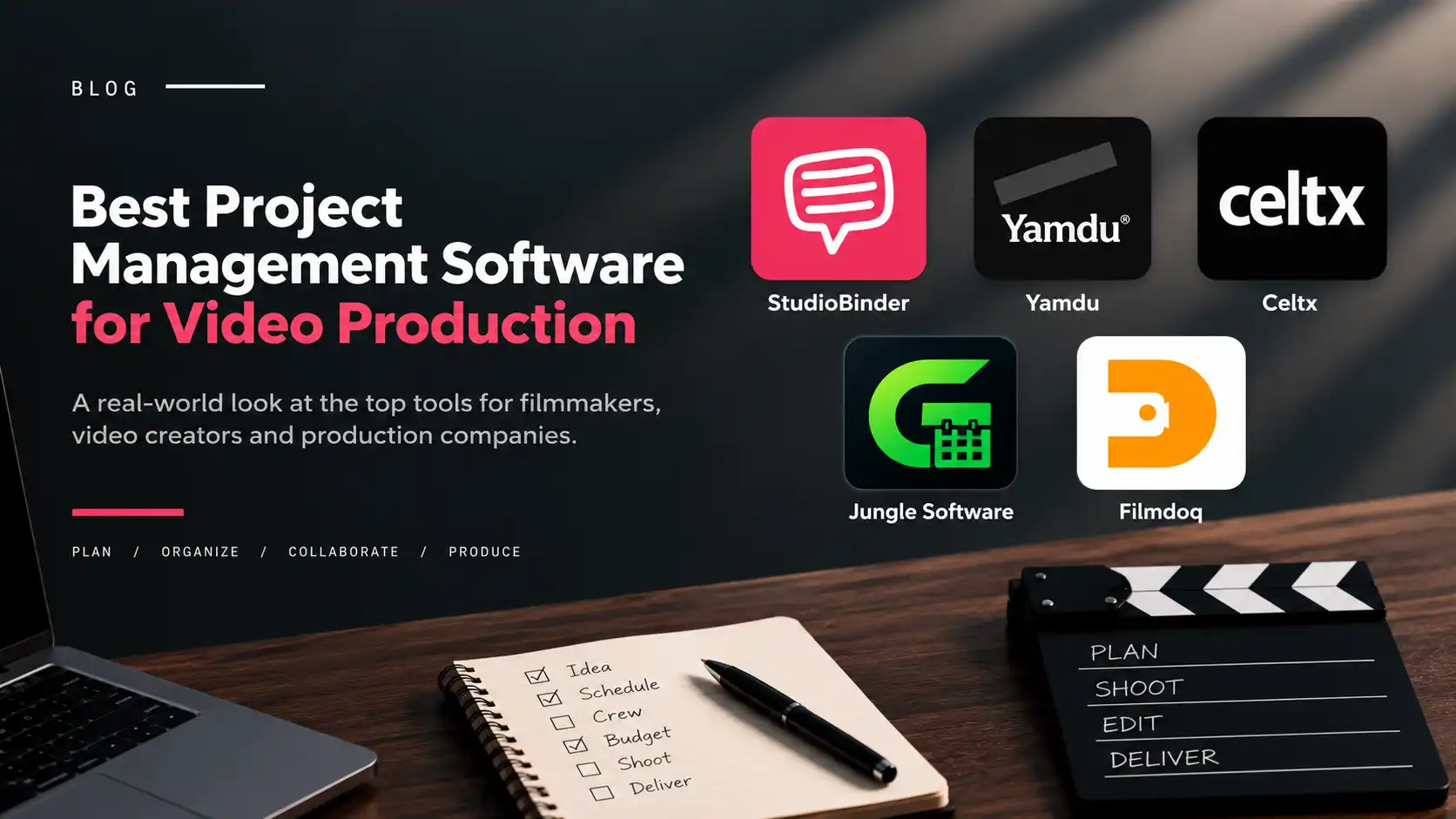
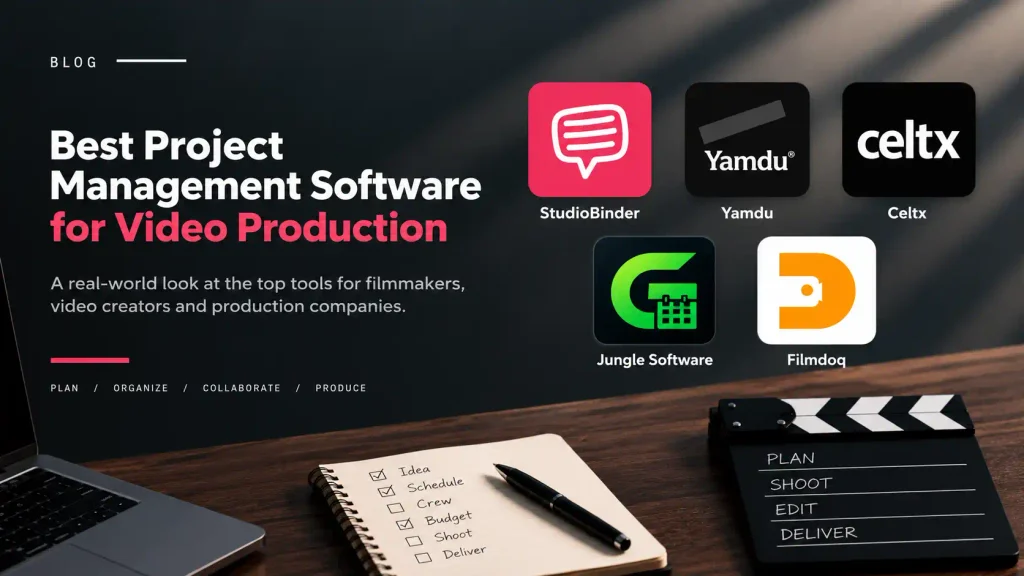
So I wanted to compare five of the best project management software platforms for video production from the perspective of someone who has worked across different types of productions: from music videos and films to documentaries, corporate work and commercials.
If you’re working on a large-scale film or television production, Yamdu is probably one of the first platforms I’d look at. Yamdu is built around serious production management. It covers script breakdowns, scheduling, call sheets, cast and crew management, budgeting, production calendars and other workflows needed to coordinate complex productions.
And that’s really where Yamdu shines. When you have a large production with multiple departments and a lot of people depending on the same information, having that level of structure becomes important. A production manager doesn’t want information scattered across spreadsheets, emails and different applications. You want everyone working from the same production information.
The downside?
For me, it’s the complexity. If you’re a small production company shooting a corporate video with a five-person crew, you may not need a system designed around the complexity of a major film or television production. There’s nothing wrong with having those features. The question is whether you’re actually going to use them. You’re also going to spend more time learning a more sophisticated system. So I wouldn’t look at Yamdu and say it’s too complicated. I’d say it’s complicated for a reason. If you’re running productions that need that level of organization, the complexity can actually be an advantage.
Best for: Large film, television and complex commercial productions. Yamdu
StudioBinder is probably one of the first platforms filmmakers will come across when researching production management software. And there’s a reason for that. It does a very good job of connecting the filmmaking process. You can work with scripts, create breakdowns, build shot lists, create schedules and call sheets, manage contacts and organize production information. What I like about StudioBinder is that it feels connected to the actual filmmaking workflow. You start with the script or project, move through pre-production, build the production plan, and eventually get to the shoot. For filmmakers, that’s a pretty natural way to work.
Where I see a limitation
For smaller production companies, the business side can become a separate challenge. Before the shoot, someone may need to send a quote or production brief for the client or team to review and approve. Once the shoot is finished, there’s still an invoice to send, payments to collect, client accounts to manage, and a business to keep running.
That doesn’t make StudioBinder a bad production-management platform. It simply means you may need additional tools to handle the business side, depending on how your company operates. And I think that’s an important factor to consider when comparing these platforms, not just what they can do on set, but how well they support the business around the production. StudioBinder is particularly strong on the production side.
Best for: Filmmakers and production teams that want a strong filmmaking and pre-production workflow. StudioBinder
From my experience moving between different types of video production, I’ve found that the workflow changes quite a bit depending on what you’re producing. When you’re working on a large scripted production, the screenplay might be at the center of everything. But when you’re producing a corporate video, commercial, documentary, music video, or smaller independent project, you may not even have a traditional screenplay. The project might start with a client brief, a pitch, or simply an idea. From there, you’re figuring out the budget, schedule, crew, contracts, documents, and client approvals. That’s the kind of workflow Filmdoq is designed around.
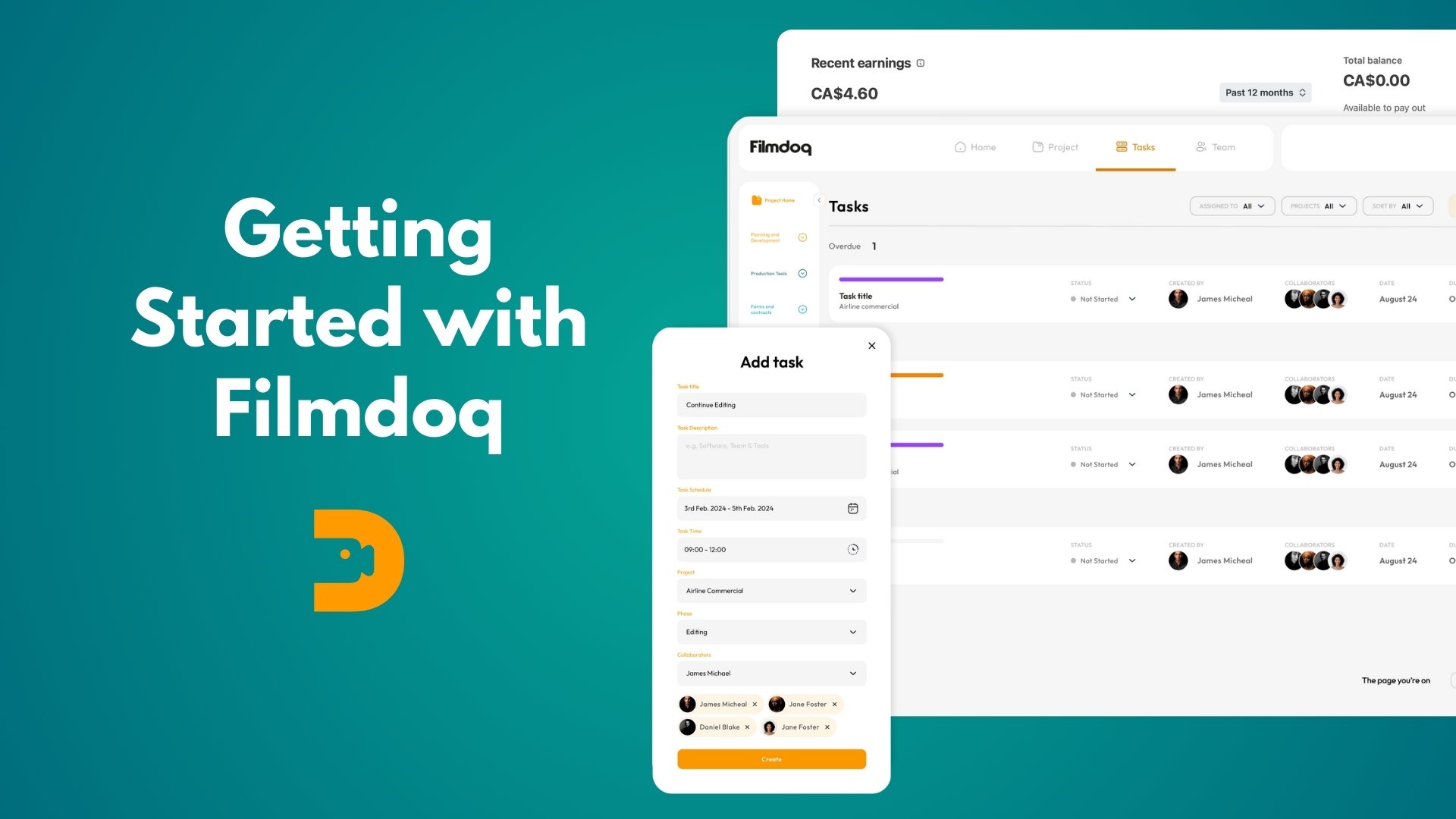
Filmdoq is engineered more toward video creators, independent filmmakers, commercial and corporate videographers, freelancers, and small-to-medium production companies- people who need to manage both the creative project and the business behind it. You can create a production brief or pitch, manage budgets and schedules, create forms and contracts, collaborate with your team and clients, and keep your production documents organized, with sample templates to help you get started rather than having to build everything from scratch.
Then there’s invoicing and payments. For a small production company, that’s relevant because the person managing the production is often also managing the business. You’re not just organizing the shoot. You’re also responsible for getting the client billed and getting paid.Having that inside the same platform can make the workflow simpler.
But Filmdoq has limitations too
Filmdoq isn’t trying to replace every specialized filmmaking tool. Its strength is more in bringing together the production workflow and the business workflow for smaller teams. And whether that’s useful depends entirely on how you work.
If your production starts with a screenplay and involves a large cast and crew, I’d look at Yamdu or StudioBinder first.
If you’re producing smaller commercial, corporate, documentary or independent projects and you’re also responsible for the client, budget, documents and payment, Filmdoq is worth considering.
Best for: Video creators, independent filmmakers, commercial and corporate videographers, freelancers, and small-to-medium production companies. Filmdoq
Celtx is another platform I’d consider, particularly if screenwriting is a major part of your workflow. That’s really where Celtx stands out.
You can start with a screenplay and move into breakdowns, scheduling and other pre-production workflows. For an independent filmmaker who writes and produces their own projects, that connection between the script and production can be useful. If you’re making a narrative film, that’s a very different starting point from producing a corporate video.
For corporate videos, commercials or branded content, you might start with a client brief rather than a screenplay. In that situation, some of Celtx’s script-focused workflow may be less relevant. That’s why I think it’s important to look at the type of production you’re actually doing rather than simply asking which software has the most features.
Best for: Screenwriters, independent filmmakers and productions where the screenplay is central to the workflow. Celtx
Gorilla Scheduling is traditionally centered around the production planning side of filmmaking, particularly screenplay breakdown, scheduling, stripboards and budgeting.
The workflow is fairly straightforward: Script → Breakdown → Schedule → Budget → Production
For a production manager or filmmaker working on a scripted production, that’s useful.You can import a screenplay, break down scenes, organize shoot days, manage cast, crew and locations, build schedules and generate production reports. The software also connects scheduling with budgeting. Jungle Software has also moved Gorilla into an online environment, making the workflow more accessible than the older desktop-only approach.
But there’s a trade-off
The question isn’t really whether Jungle Software has enough features. It does.
The question is whether those are the features you need.
If you’re producing a feature film, television project or another scripted production where breakdowns, stripboards, scheduling and production budgeting are central to the job, Jungle Software makes a lot of sense. But if you’re a commercial videographer or small production company, your workflow might look completely different. You may start with a client inquiry, create a pitch, build a budget, get approval, organize the crew, manage contracts and then invoice the client. In that situation, the strength of Jungle Software’s scheduling and breakdown system may not necessarily solve your biggest problems. That’s not a criticism of the software. It’s just a different focus.
Best for: Filmmakers, producers and production managers who need detailed screenplay breakdown, scheduling, stripboards, production reports and budgeting. Gorilla Scheduling
It really comes down to what you’re producing and how your production operates.
If you’re working on a large film or television production with multiple departments and a large crew, Yamdu makes a lot of sense.
If you’re a filmmaker looking for a strong connection between scripts, breakdowns, shot lists, schedules and call sheets, StudioBinder is a very strong option.
If the screenplay is the center of your workflow and you also want writing and pre-production tools, Celtx is worth considering.
If you’re a production manager who needs detailed scheduling, breakdowns and budgeting, Jungle Software is worth a look.
And if you’re running smaller video productions where you’re responsible for both the production and the business around the production, Filmdoq is a strong option to consider.
That’s probably the biggest thing I took away from comparing these platforms. There isn’t really a “best” production management software. There’s a best fit for the way you work.
Now Shipping Across Ontario
We have partnered with Purolator to ship select equipment rentals to customers within Ontario. This service is designed to offer filmmakers and video creators across the province more convenience, flexibility, and accessibility.
Important Note
Shipping is available for select items only, with a minimum rental period of 2 days. Contact us to learn which gear is eligible and to confirm shipping costs.
All shipping orders must be confirmed at least 3 business days before the rental start date.
How it works
On the checkout page, select ‘Express Shipping’ under order type, and provide your delivery address.
📝 Request a Quote
Navigate through our gear categories. See what you like, and select "Add to List" or click on the image to learn more.
✅ Order Confirmation
A team member will confirm gear availability and guide you through account creation if it's your first time renting—before completing your reservation.
📦 Pickup & Return
Mon – Fri: 9:00 AM – 6:00 PM
Sat: 10:00 AM – 4:00 PM
🚚 Request Delivery
You can request rental delivery within a 100-mile radius of our Toronto location.
👤 First-Time Renters
First-time renters are required to complete a rental agreement form with a valid ID.
🛡️ COI (Certificate of Insurance)
Independent insurance coverage is required for orders with a total replacement value above $15,000 CAD. Learn More
💳 Security Authorization
A small hold will be placed on your credit/debit card. The hold will be canceled upon the return of the rental.
We offer a convenient delivery service for all our rental gear within a 100km radius of our location. Our goal is to ensure you have everything you need on time and in perfect working condition.
Request: You can request delivery at any time during your reservation—in person, via email, or by phone.
Equipment Testing: All gear is thoroughly tested before delivery to ensure it’s fully functional and ready for use.
Inspection Upon Arrival: When the driver arrives, please inspect the equipment and verify the equipment list to ensure everything is in order.
Rental Requirements: To avoid cancellation, please ensure all rental processes and requirements are completed at least 2 hours before the scheduled delivery time. If not completed, the delivery will be canceled, and rental credit will be applied to your account.
Protection & Responsibility: We ensure all equipment is well-protected and safely transported. Once delivered, the client is responsible for any damage or issues that may arise while the equipment is in their possession.